Hello AMO Folks!
Webinar recording from April 14th @ 2PM CST to cover these updates in-depth.
Google reCaptcha Integration
We implemented Google reCaptcha on all forms that process financial information. It is highly recommended to integrate this. Please read this support article for details.
New Public Document System
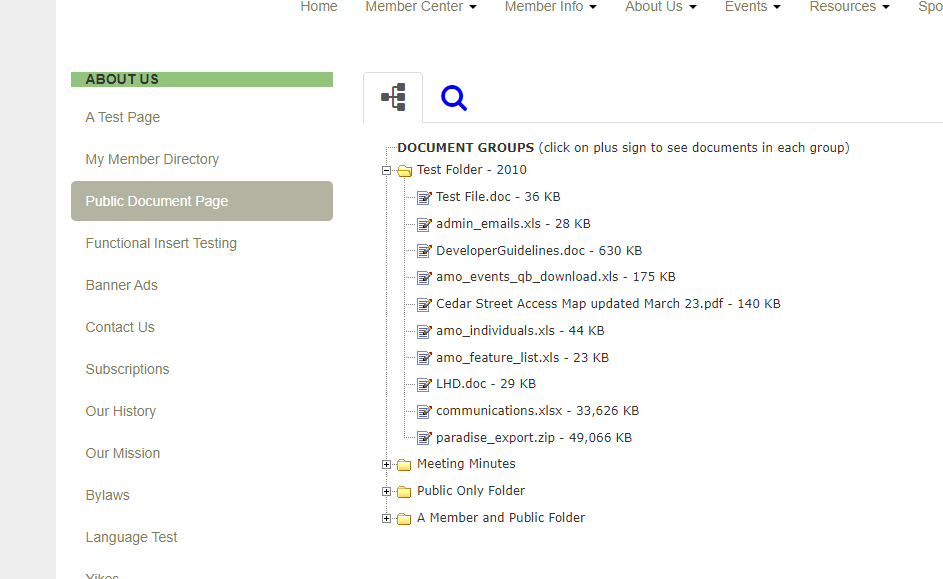
Previously, AMO had member-only facing documents. We’re happy to announce a big improvement on this front – a public documents system that can be placed on a website.
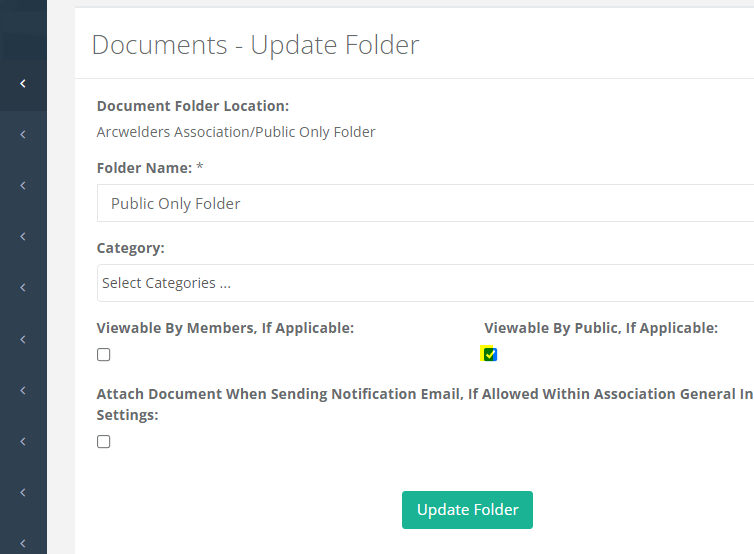
On the Folder Level, you’ll now see a toggle for Viewable By Public, If Applicable, any documents placed under that folder with that box checked will now be able to be viewable on the front-end of the website via shortcode.
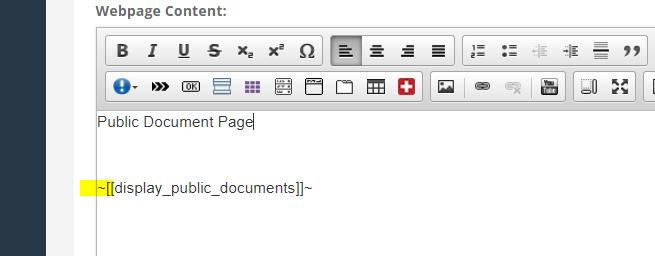
There’s now a new shortcode, you can place this on any AMO webpage, we recommend creating a new page for this.
Dues Updates
We’ve made a few additions to the Dues area & the Admin interface when manually paying a dues invoice.
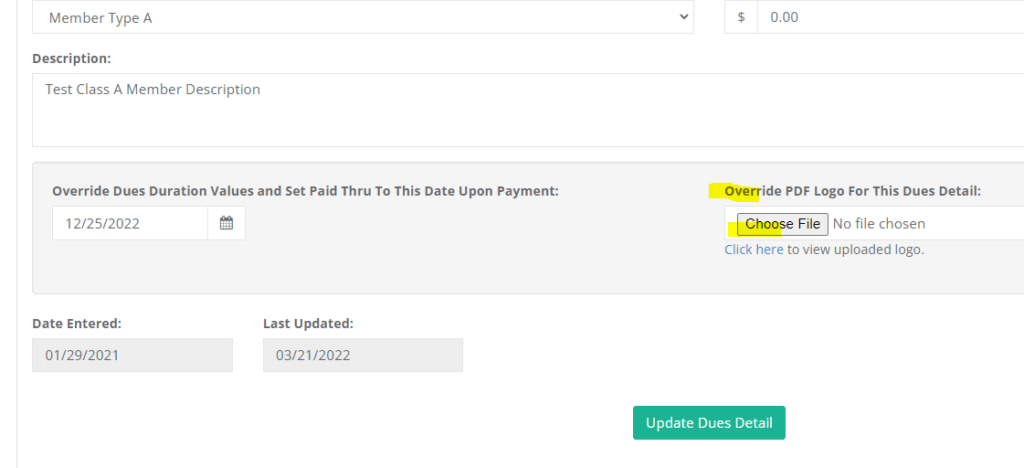
You can now change the PDF Logo per Dues Type on the Dues Detail screen.
*Warning: This ONLY works Based on Member Type invoicing i.e the member-only sees one selection when renewing, if you do open-ended dues i.e you show all the options for members when renewing, this functionality will not work for those setups.
When manually logging payments on the edit invoice screen, the balance now re-writes the Dues PDF receipts to reflect outstanding balance in cases with partial payment.
Shortcode Updates
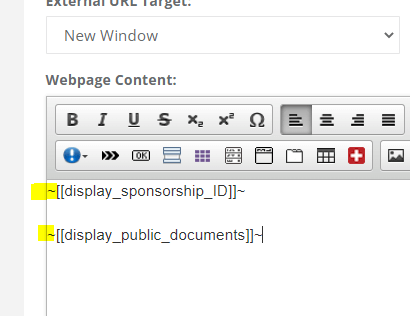
We’ve now added new short codes including a public document one to facilitate the new Public Document system, we also did a bit of some behind the scenes rewriting of the short codes while we were making updates there.
– Sponsorship Shortcode by ID to only show certain Sponsorship Types
– Public Document Shortcode
Messaging Updates
There’s now a Replicate Messaging Draft button! No more copying source code!

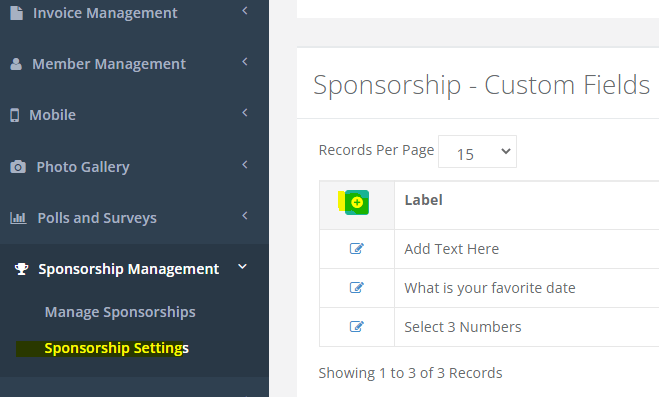
Custom Field Toggle Updates & New Sponsorship Custom Fields
Some of you may have noticed a bit of an interface change here – we made some changes to make it clearer which Custom Fields enables different functionality.
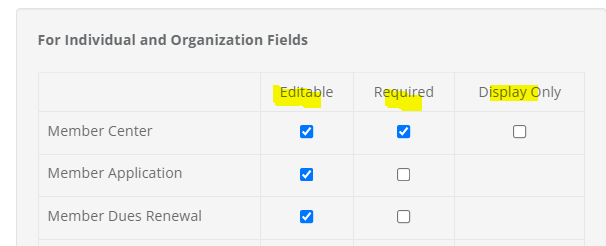
Sponsorships now have a Custom Fields area, matching the other Custom Field areas.
API Updates
New API Additions to reflect the recent Sponsorship Custom Fields Update
AMOSponsorshipCustomFields & AMOSponsorshipCustomFieldValues API additions
Reporting Updates
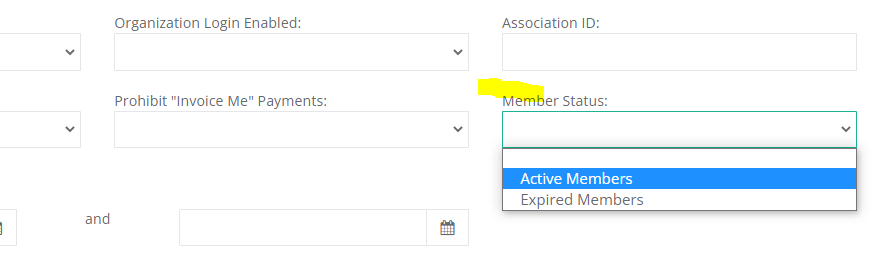
There’s now a new Member Status toggle on Individual & Organization reports for “Active” and “Expired” Members, this function will replace the need to filter by Paid Thru Dates for Expired & Active members to make reporting quicker and easier to see who’s a current and expired member.
Other reporting updates –
Organization Report w/ Individuals now includes Individual Custom Fields
Organization Report w/ Individuals now pulls the Association ID field for Individuals
Event Management Updates
Scheduled e-mails sent via Event Management now properly grabs an updated attendee list of the original query / segment before sending it out as scheduled, previously only the list that was generated at the time of the scheduled e-mail would be sent to those attendees.
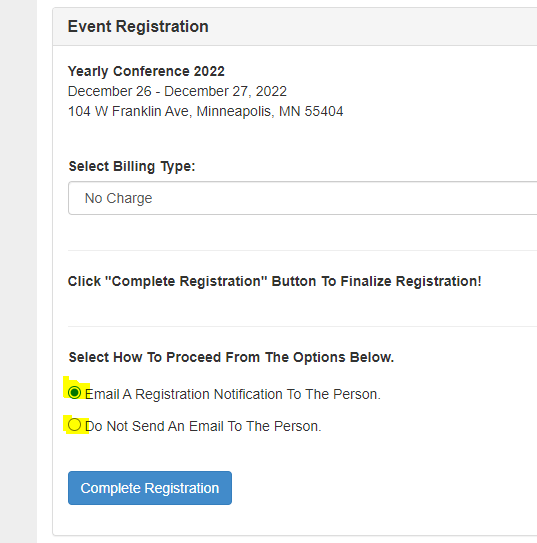
For Complimentary via Admin Registration there is now functionality to control the e-mail response for these types of Admin registrations
Merge Tag Updates
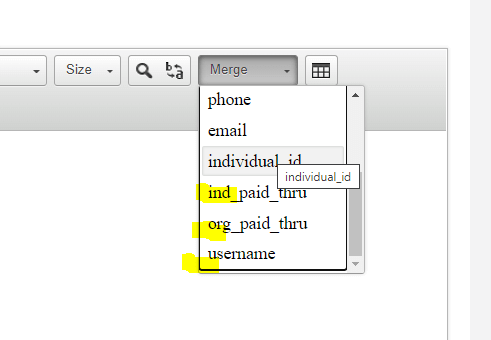
We have now added a number of new merge tags to the Merge Tag list
– Organization Paid Thru
– Individual Paid Thru
– Username (now you can control the placement of the username in the message)
Custom Directory Updates
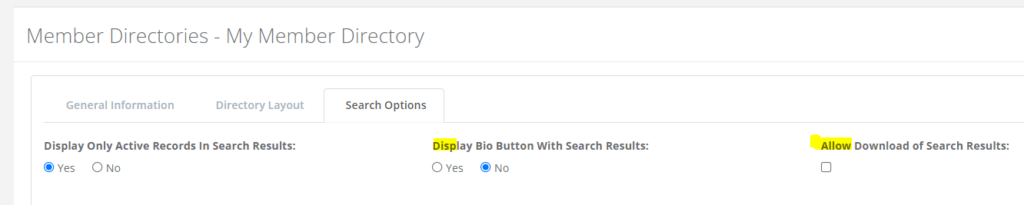
As many of you are using the newer custom directory system we had some requests for further functionality, here’s the list of new functions:
– Option to remove the Bio Button
– Added Excel Download of Directory Function
– Paid Thru Date Data Field
– Join Date Data Field
PWA Updates
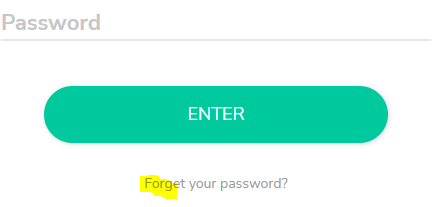
There is now a Forgot Password function on the PWA